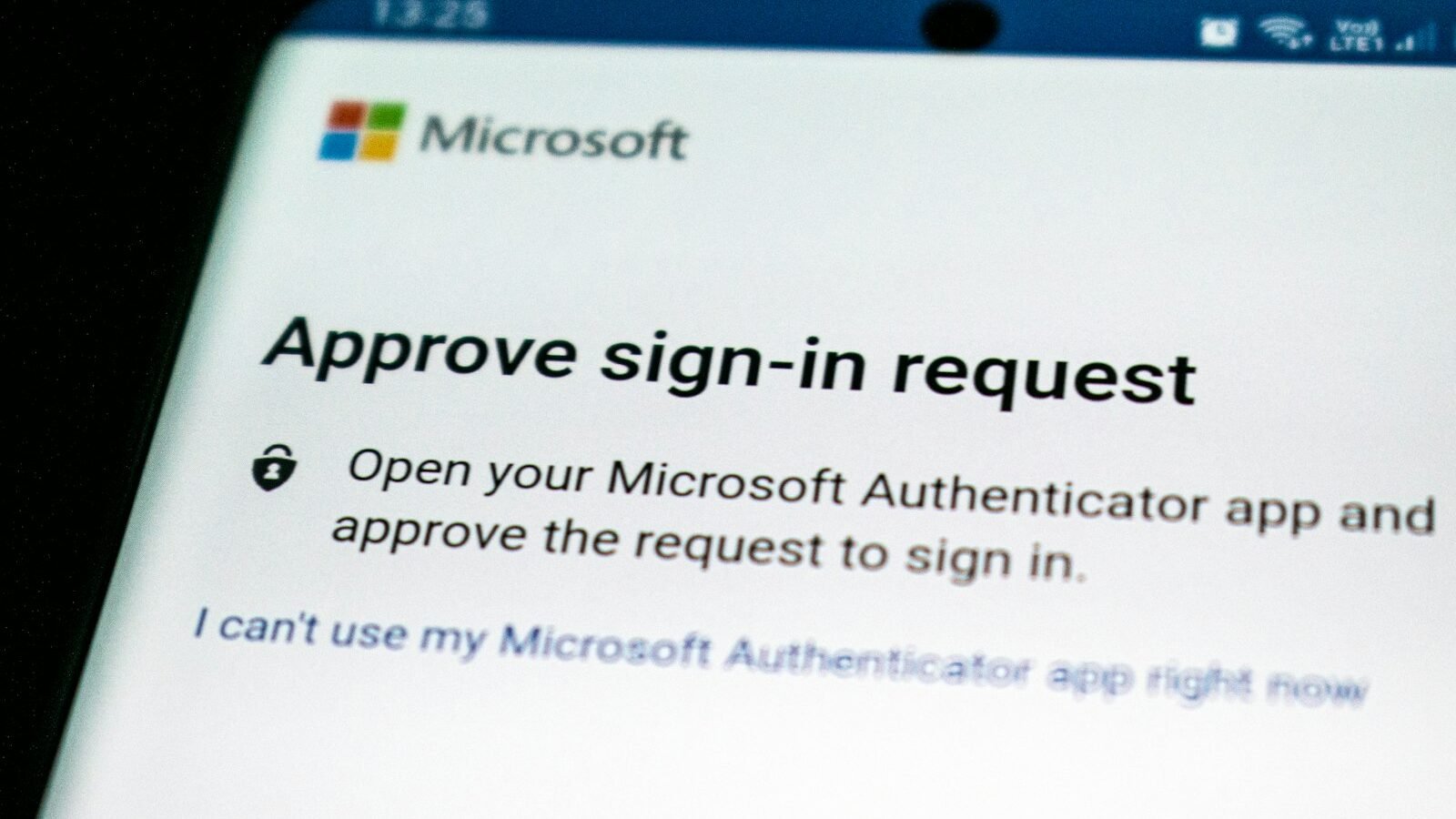
If you adopt exactly one security habit this year, two-factor authentication should be it. It’s free, takes minutes per account, and blocks the overwhelming majority of account takeover attempts even when your password has already leaked. This guide explains what it actually does, which method to prefer, and how to roll it out across your accounts without missing the ones that matter most.
Key takeaways
- Two-factor authentication requires a second proof of identity beyond your password, blocking most attacks that rely on a leaked or guessed password alone.
- Authenticator apps are meaningfully more secure than SMS codes, which can be intercepted through SIM-swapping attacks.
- Your email account deserves 2FA first — it’s usually the recovery path for every other account you own.
- Save backup codes somewhere safe when you enable 2FA; losing access to your second factor without them can lock you out entirely.
What two-factor authentication actually does
2FA requires a second piece of proof beyond your password before granting access — typically a time-based code from an app, a physical security key, or a code sent via SMS. Even if an attacker has your exact password, they’re blocked without also having that second factor.
Comparing the common 2FA methods
Not all second factors offer the same level of protection.
| Method | Security level | Convenience |
|---|---|---|
| SMS text code | Good, vulnerable to SIM-swapping | Very easy |
| Authenticator app (TOTP) | Strong | Easy, works offline |
| Physical security key | Strongest | Requires carrying the key |
Why SMS is the weakest common option
SIM-swapping attacks — where an attacker convinces your carrier to transfer your phone number to their device — can intercept SMS codes entirely. It’s still far better than no 2FA at all, but an authenticator app closes this specific gap.
If an authenticator app feels like too much friction right now, SMS-based 2FA today is still dramatically better than no second factor at all — upgrade later rather than skipping it entirely.
Where to start: prioritize by blast radius
Your email account should be first, since it’s the password-reset path for nearly every other account you own. After that, prioritize your password manager, banking, and any account tied to payment methods.
Save the backup/recovery codes shown when you enable 2FA somewhere durable, like a password manager’s secure notes — losing your phone without them can lock you out of your own account.
Setting it up: the general steps
Most services follow a similar pattern: go to account security settings, choose two-factor or two-step verification, select an authenticator app method, scan the QR code with an app like Google Authenticator or Authy, then save the backup codes shown.
Ten minutes per account today is a small price for closing the single most common way accounts actually get taken over.
Common guidance among security practitionersFrequently Asked Questions
Is SMS-based 2FA still worth using?
What happens if I lose my phone with my authenticator app?
Do I need a physical security key?
Should I enable 2FA on social media accounts too?
Conclusion
Two-factor authentication is the rare security recommendation that’s both genuinely high-impact and nearly free to adopt. Start with your email and password manager, prefer an authenticator app over SMS where it’s offered, and save your backup codes somewhere safe before you need them. Ten minutes per account now closes off the most common way real accounts actually get compromised.
- NIST Digital Identity Guidelines (SP 800-63B)
- Major account-provider security documentation on two-factor setup
Continue reading
Related guides
How to Recognize and Avoid Phishing Scams
The specific patterns real phishing attempts share, so you can spot one in the moment it actually matters.
Read Article
Password Managers Compared: Which One Should You Trust With Your Data?
What actually separates the major password managers, and why trusting one is a smaller leap than reusing passwords everywhere.
Read Article
How to Protect a Small Business From Ransomware Attacks
The defenses that actually matter, in the order a small business should actually build them.
Read Article
Discussion
No comments yet — be the first to ask a question about this guide.