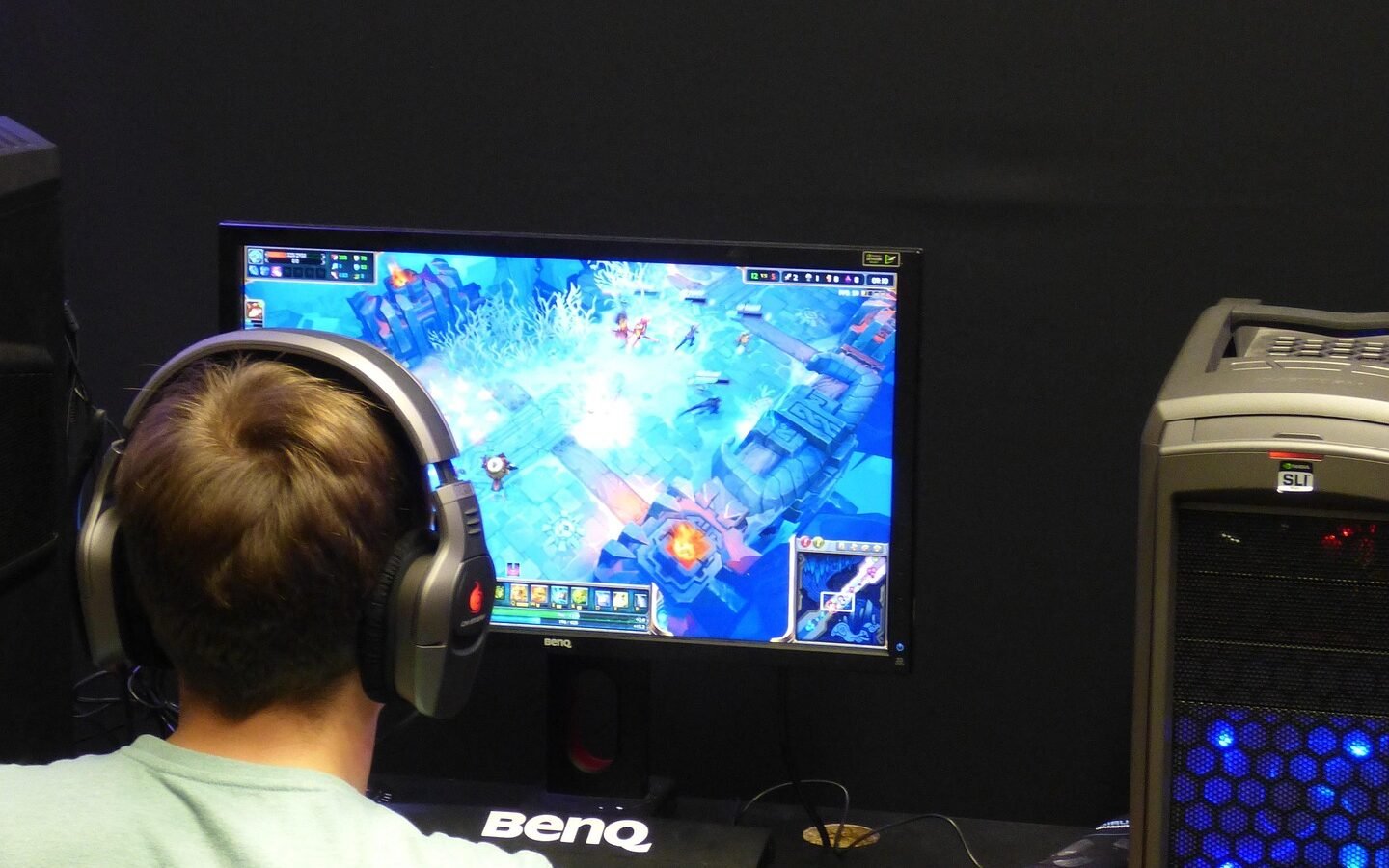
Monitor spec sheets lead with numbers — refresh rate, response time, contrast ratio — that matter far more for gaming than for the everyday productivity use most people actually buy a monitor for. This guide covers what genuinely affects daily comfort and output when using a monitor for work.
Key takeaways
- Screen size and resolution together determine effective workspace — bigger alone isn’t better without matching resolution.
- A matte, anti-glare finish meaningfully reduces eye strain in rooms with windows or overhead lighting.
- Adjustable stand height matters more for long-term comfort than most people initially expect.
- High refresh rate and gaming-oriented specs add cost without meaningful benefit for typical productivity work.
Size and resolution need to be considered together
A larger screen at the same resolution as a smaller one just makes everything bigger, not sharper or more spacious in effective terms. Matching a larger physical size with a proportionally higher resolution is what actually gives you more usable workspace.
Matte finish and eye strain
A glossy screen finish can look punchier in marketing photos, but reflects window light and overhead lighting distractingly during actual daily use. A matte, anti-glare finish is generally the more comfortable choice for a room with normal lighting.
Comparing what actually matters for productivity use
| Spec | Matters for productivity? | Notes |
|---|---|---|
| Resolution | Yes | Match to screen size for genuine sharpness |
| Matte finish | Yes | Reduces glare and eye strain |
| Adjustable stand | Yes | Affects long-term posture and comfort |
| High refresh rate (144Hz+) | Rarely | Mainly benefits gaming, not typical office work |
Why an adjustable stand matters more than it seems
A monitor positioned too low or too high forces an unnatural neck angle held for hours daily. A stand that adjusts height (and ideally tilt) lets you set the top of the screen at eye level, which meaningfully reduces cumulative neck strain.
If a monitor’s included stand doesn’t adjust height, a separate monitor arm is often a worthwhile add-on purchase rather than working around a fixed, poorly-positioned stand.
Where gaming-oriented specs add cost without benefit
High refresh rates and very low response times genuinely matter for competitive gaming, but provide little to no noticeable benefit for document editing, spreadsheets, or general office work — paying extra for them specifically for productivity use is usually not worthwhile.
Choosing a monitor primarily by its gaming-oriented spec sheet, when the actual use case is office productivity work, often means overpaying for specs that provide no real benefit for that use.
One monitor or two?
A single larger, higher-resolution ultrawide monitor and a traditional two-monitor setup both meaningfully improve productivity over a single laptop screen — the right choice mostly comes down to desk space and personal preference for window management.
The monitor spec that actually matters for office work is the one that lets you sit comfortably for eight hours, not the one with the highest refresh rate.
Common guidance among ergonomics-focused reviewersFrequently Asked Questions
Do I need a 4K monitor for productivity work?
Is a curved monitor better for productivity?
How high should my monitor be positioned?
Is it worth buying two monitors instead of one large ultrawide?
Conclusion
The monitor specs that actually matter for productivity work are size matched to resolution, a matte anti-glare finish, and an adjustable stand for comfortable positioning — not the gaming-oriented specs that dominate marketing spec sheets. Prioritize daily comfort over benchmark numbers you won’t actually use for office work.
- Ergonomic workplace positioning guidance
- Direct comparison across common productivity-focused monitor specifications
Continue reading
Related guides
Mechanical Keyboards Explained: A Buyer’s Guide for Beginners
What switch types actually feel like, and how to buy your first one without overspending on hype.
Read Article
How to Choose a Laptop for Programming and Development Work
What actually matters in a development laptop, and where you can safely spend less.
Read Article
Home Office Tech Setup: Essential Gear for Remote Workers
What actually improves a remote work setup, in priority order, and what you can comfortably skip.
Read Article
Discussion
No comments yet — be the first to ask a question about this guide.