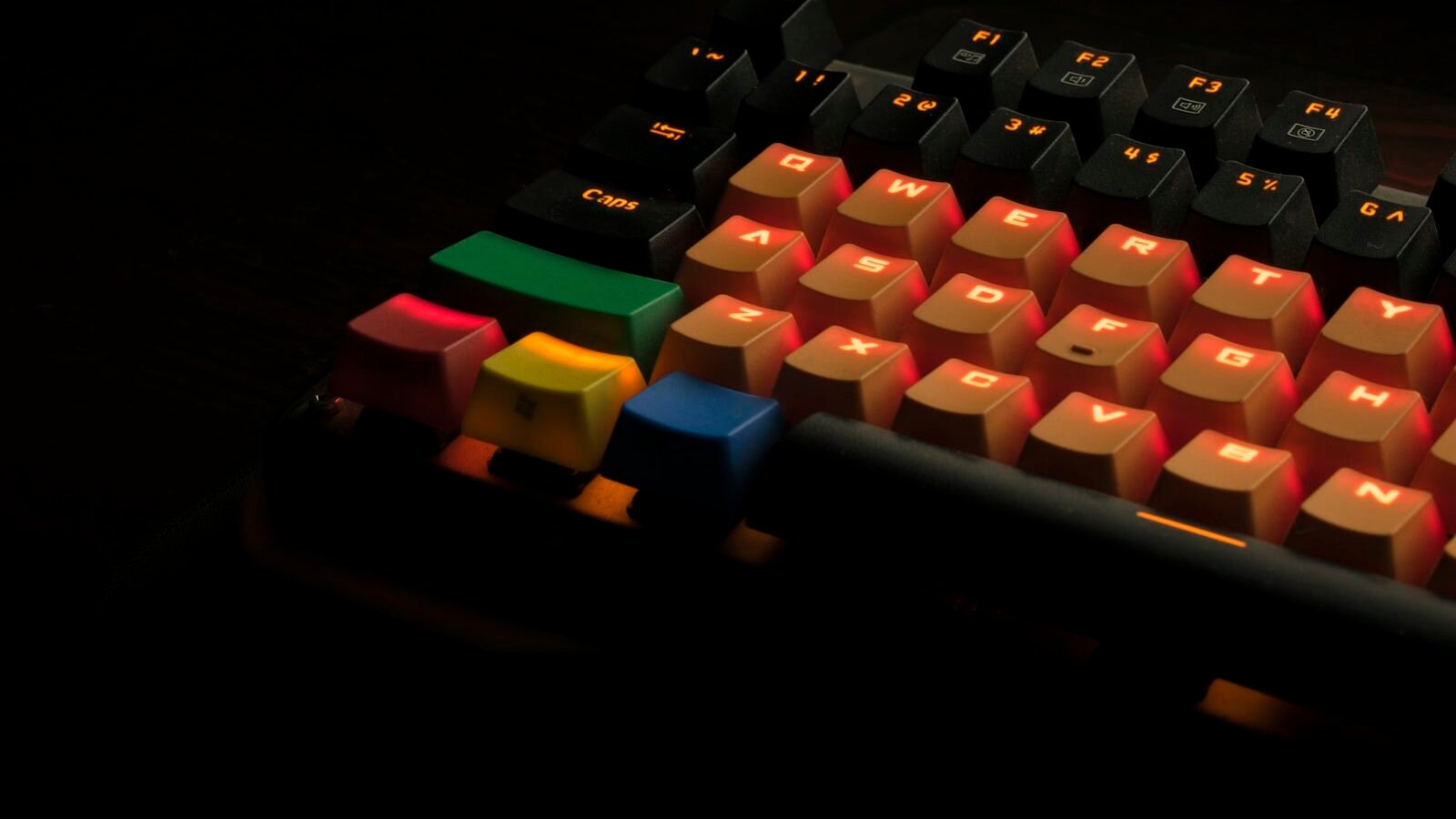
Mechanical keyboards have built up an enormous, sometimes intimidating hobbyist community around switch types, keycap materials, and custom builds. None of that is required to get real, tangible benefits from your first one. This guide covers what actually matters for a first purchase, skipping the parts of the hobby you don’t need to care about yet.
Key takeaways
- Switch type is the single biggest factor in how a keyboard feels and sounds — trying before buying matters more than any spec sheet.
- Linear, tactile, and clicky are the three broad switch categories, each suited to different preferences and environments.
- A hot-swappable keyboard lets you change switches later without soldering, a low-risk way to experiment.
- You don’t need a premium or custom board to notice a real improvement over a standard membrane keyboard.
Why mechanical keyboards feel different at all
Unlike the rubber dome membrane under most stock keyboards, each key on a mechanical keyboard has its own independent physical switch mechanism, giving more consistent, tactile, and durable keypresses that can be rated for tens of millions of presses per key.
The three broad switch categories
Linear switches
Smooth from top to bottom with no bump or click, generally preferred for gaming and fast typists who don’t want feedback interrupting the stroke.
Tactile switches
A noticeable bump partway down confirms the keypress without a loud click, a popular middle ground for office and shared-space use.
Clicky switches
A pronounced audible click alongside the tactile bump — satisfying for many enthusiasts, but genuinely too loud for open offices or shared living spaces.
Comparing the three at a glance
| Switch type | Feel | Best for |
|---|---|---|
| Linear | Smooth, no bump | Gaming, fast quiet typing |
| Tactile | Bump, no click | Office use, general typing |
| Clicky | Bump plus audible click | Home use, enthusiasts who like the sound |
What actually matters for a first purchase
Beyond switch type, look for a board with a layout that fits your desk space (full-size, tenkeyless, or compact), reasonably good build quality, and ideally hot-swappable sockets so you can try different switches later without any soldering.
If you can, try a switch tester or visit a store before buying — switch feel is genuinely subjective, and online descriptions rarely substitute for five minutes of actually typing on one.
Where beginners commonly overspend
Custom artisan keycaps, premium coiled cables, and fully custom-built enthusiast keyboards are a real and enjoyable hobby, but none of it is necessary to get the core benefit of a good mechanical keyboard. A solid mid-range hot-swappable board covers the practical improvement for the large majority of buyers.
The jump from a membrane keyboard to any decent mechanical board is the biggest upgrade you’ll feel — everything past that is a hobby, not a requirement.
Common advice among enthusiasts who buy for themselvesFrequently Asked Questions
Are mechanical keyboards worth it for typing, not just gaming?
Are clicky switches too loud for an office?
What does hot-swappable mean?
Do I need a wireless mechanical keyboard?
Conclusion
A mechanical keyboard is one of the more noticeable everyday upgrades available for relatively little money, and you don’t need to go deep into the hobbyist side of the community to benefit from one. Try a few switch types if you can, pick a hot-swappable board so you can experiment later, and treat the rest of the hobby — custom keycaps, exotic switches — as optional, not required.
- Switch manufacturer specification sheets
- Hands-on testing across common switch types and board layouts
Continue reading
Related guides

External Monitors for Productivity: What to Look for Before Buying
The specs that actually affect daily comfort and productivity, and the ones safe to ignore.
Read Article
How to Choose a Laptop for Programming and Development Work
What actually matters in a development laptop, and where you can safely spend less.
Read Article
Home Office Tech Setup: Essential Gear for Remote Workers
What actually improves a remote work setup, in priority order, and what you can comfortably skip.
Read Article
Discussion
No comments yet — be the first to ask a question about this guide.